Properties
122 videosFiche · Annonce
- Change the listing name3 steps
- Write the listing description3 steps
- Add or replace the cover photo3 steps
- Pick the cover from the media library4 steps
- Remove the cover photo3 steps
- Add a photo to the gallery4 steps
- Reorder the gallery photos3 steps
- Remove a gallery photo3 steps
- Select the amenities4 steps
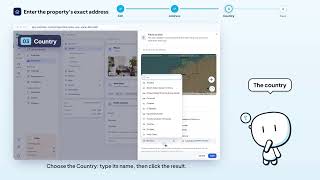
- Enter the property's exact address4 steps
- Pin the property on the map4 steps
- Set the property time zone3 steps
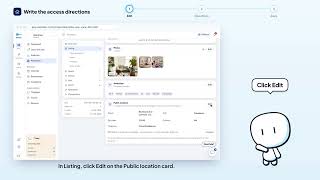
- Write the access directions3 steps
- Add a custom map3 steps
- Fill in distances (airport, station…)4 steps






Property list



Creation · Wizard
- Use the imported listing price as base price3 steps
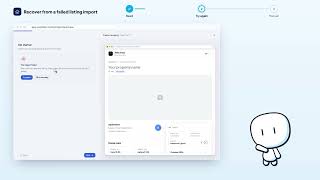
- Recover from a failed listing import3 steps
- Add a room type during creation6 steps
- Fill in the general information in the wizard6 steps
- Turn on cleaning in the wizard3 steps
- Discard a property in progress2 steps
- Turn on hourly rental in the wizard6 steps
- Enter the address and pin the map (wizard)6 steps
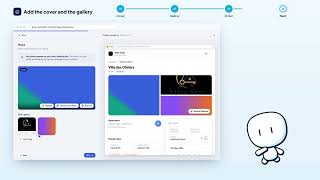
- Add the cover and gallery in the wizard4 steps
- Set booking rules in the wizard5 steps
- Set capacity, layout and amenities (wizard)5 steps





Creation · Bulk import
- Abandon a batch import3 steps
- Create the properties from the batch import4 steps
- Fix a listing before creation (batch import)7 steps
- Paste and sort the links to import4 steps
- Track reading and retry a failed listing4 steps
- Resume a batch import in progress3 steps
- Pick photos and cover for an imported listing4 steps
- Exclude a listing from the batch import4 steps


Property page · Overview
- Complete the listing with the completeness checklist5 steps
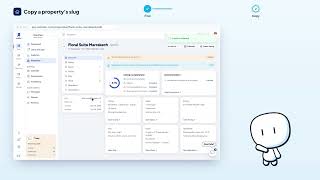
- Copy a property's slug2 steps
- Fix an alert on the property page4 steps
- Navigate a property's detail page3 steps
- Open the calendar from the property page2 steps
- Share the public listing from the property page2 steps
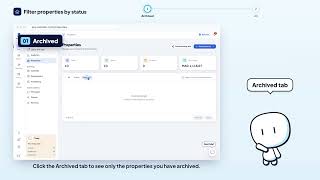
- Archive a property4 steps
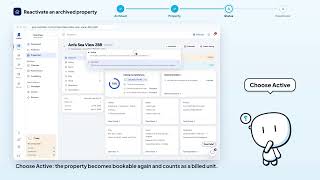
- Reactivate an archived property5 steps



Property page · Space


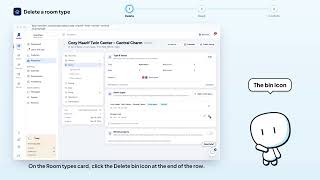

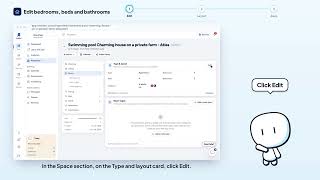

Property page · Pricing
- Change the property currency5 steps
- Apply taxes to this property3 steps
- Create a tourist tax5 steps
- Delete a tax from the library3 steps
- See nights with a manually changed price2 steps
- Turn off hourly rental3 steps
- Edit a tax4 steps
- Turn on hourly rental2 steps
- Set the cleaning fee3 steps
- Charge for extra guests4 steps
- Set the hourly rate and slot length5 steps
- Set the hourly sales window and buffer5 steps
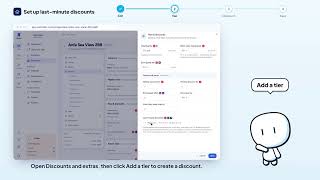
- Set up last-minute discounts4 steps
- Offer weekly or monthly discounts4 steps
- Change the nightly price3 steps
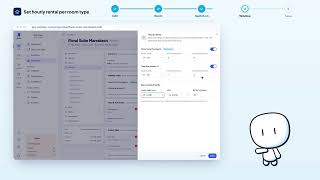
- Set hourly rental per room type5 steps
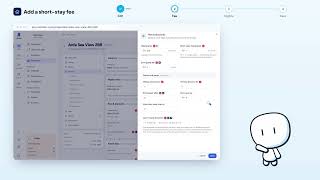
- Add a short-stay fee4 steps
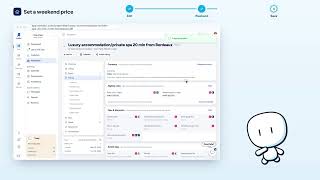
- Set a weekend price3 steps
- Set prices per room type5 steps


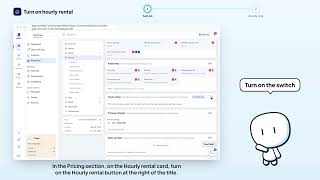


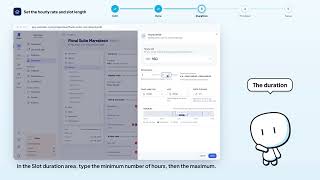




Property page · Stay
- Block arrivals or departures on some weekdays3 steps
- Set the advance notice before arrival3 steps
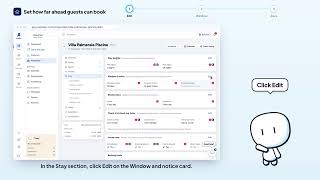
- Set how far ahead guests can book3 steps
- Set check-in and check-out times4 steps
- Set house rules (pets, smoking, events)3 steps
- Block preparation days between stays3 steps
- Set quiet hours3 steps
- Set minimum and maximum nights4 steps
- Set stay limits per room type4 steps




Property page · Guest
- Write the contract cancellation policy4 steps
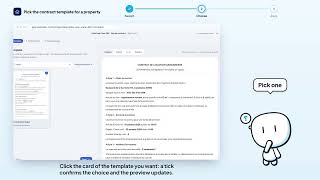
- Pick the contract template for a property3 steps
- Preview the contract in another language3 steps
- Enter the tourism registration number4 steps
- Review the contract's conditional clauses4 steps
- Set the security deposit4 steps
- Require or skip an extra document for this property3 steps
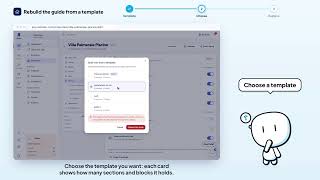
- Rebuild the guide from a template4 steps
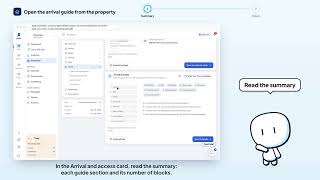
- Open the arrival guide from the property page2 steps
- Save a property's guide as a template3 steps
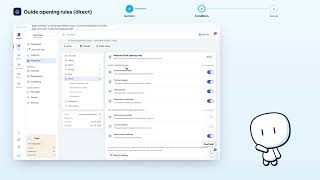
- Set guide unlock conditions (direct bookings)3 steps
- Set guide unlock conditions (OTA bookings)4 steps





Property page · Operations


Arrival guide
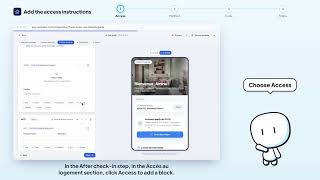
- Add access instructions (door code, key box)4 steps
- Add a useful contact to the guide4 steps
- Add a recommendation (map or link)4 steps
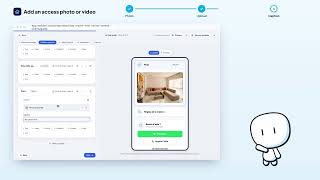
- Add a photo or access video3 steps
- Add a section to the guide3 steps
- Add WiFi details to the guide4 steps
- Delete a guide block3 steps
- Delete a section (and undo)2 steps
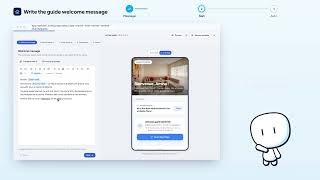
- Write the guide welcome message3 steps
- Personalize the welcome with guest variables3 steps
- Hide or show a section2 steps
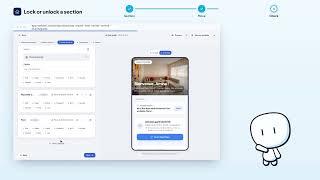
- Lock or unlock a section (before / after check-in)3 steps
- Preview the guide as a guest3 steps
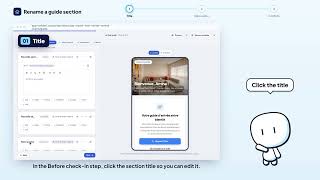
- Rename a guide section3 steps
- Reorder guide sections2 steps
- Reset the welcome message2 steps
- Check the guide health before finishing4 steps
- Auto-translate the whole guide3 steps