Archive a property
0:00 / 0:28
This video's text is coming soon. Meanwhile, here are its steps.
The video's steps
At the top of the property page, click the status menu, which shows Active.
Choose Archived: the property leaves your site and frees its billed unit.
A window asks you to confirm and reminds you that the property's open tasks are closed.
Click Archive the property to confirm the archive.
Was it clear?
In the same series · Property page · Overview
All videos →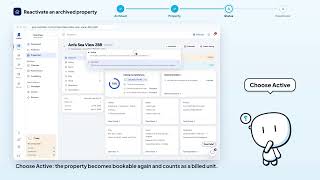


Still stuck? Contact support: this video's link goes with your message.