Reactivate an archived property
0:00 / 0:32
This video's text is coming soon. Meanwhile, here are its steps.
The video's steps
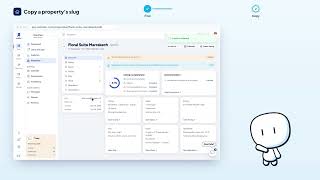
In Properties, click the Archived filter to find the properties removed from the list.
Click the archived property to open its property page.
At the top of the property page, click the status menu, which shows Archived.
Choose Active: the property becomes bookable again and counts as a billed unit.
Click Reactivate to confirm putting the property back into service.
Was it clear?
In the same series · Property page · Overview
All videos →


Still stuck? Contact support: this video's link goes with your message.