Fix an alert on the property page
0:00 / 0:33
This video's text is coming soon. Meanwhile, here are its steps.
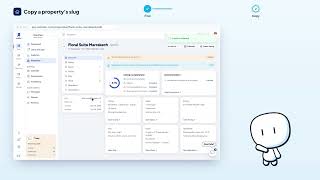
The video's steps
In the Overview section, click Fill in, on the right of the registration number alert.
In the Rental contract card, click Open the contract editor to change the details.
In the editor, go to the Contract facts step, where the registration number is.
In the Registration number field, type the number: the editor saves it by itself.
Was it clear?
In the same series · Property page · Overview
All videos →


Still stuck? Contact support: this video's link goes with your message.