Set quiet hours
0:00 / 0:24
This video's text is coming soon. Meanwhile, here are its steps.
The video's steps
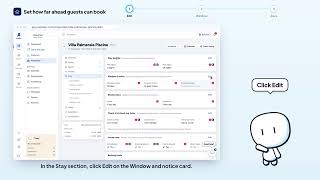
In the Stay section, click Edit on the House rules card to open the rules.
Switch on Quiet hours: it becomes Yes in the rules of the property.
Click Save to confirm the new rule and keep it on the property page.
Was it clear?
In the same series · Property page · Stay
All videos →


Still stuck? Contact support: this video's link goes with your message.