Create a provider record for a workspace member
0:00 / 0:34
This video's text is coming soon. Meanwhile, here are its steps.
The video's steps
In the Who section, click Workspace member: their name and email come from their account.
Open the Member list and pick the person: only members with the Provider role and no record yet appear.
In the Phone field, type the person's number: it is required, even for a member.
Tick a trade, for example Cleaning: on the right, What creating does confirms access through their account.
Click Create provider to save the record linked to this member's account.
Create a provider · the video's screenOpens in your workspaceOpen in RentDari
Was it clear?
In the same series · Create a provider
All videos →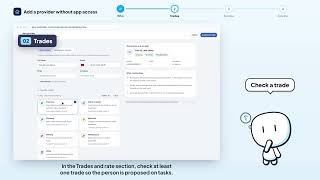


Still stuck? Contact support: this video's link goes with your message.