Set a provider's trades and rate
0:00 / 0:29
This video's text is coming soon. Meanwhile, here are its steps.
The video's steps
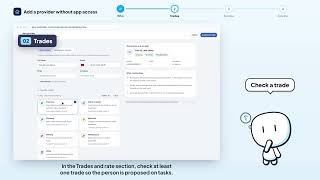
In the Trades and rate section, check trades one by one, or click Select all to take them all.
Under each trade, a line shows how many providers already cover it: you see where your team is thin.
In the Indicative rate field, type an amount: it is a guide you can change later.
In the Service area field, type the neighborhood or city where the person works.
Create a provider · the video's screenOpens in your workspaceOpen in RentDari
Was it clear?
In the same series · Create a provider
All videos →


Still stuck? Contact support: this video's link goes with your message.