Add a provider without app access
0:00 / 0:34
This video's text is coming soon. Meanwhile, here are its steps.
The video's steps
In the Who section, type the person's full name, then their number in the Phone field.
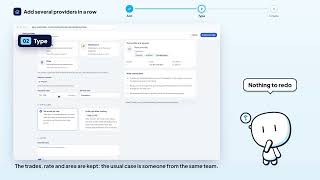
In the Trades and rate section, check at least one trade so the person is proposed on tasks.
In the App access section, choose No access for now: the person simply stays in your address book.
Read the preview on the right: the person gets their jobs through the WhatsApp brief and no seat is used.
Click Create provider to add them to your address book.
Create a provider · the video's screenOpens in your workspaceOpen in RentDari
Was it clear?
In the same series · Create a provider
All videos →


Still stuck? Contact support: this video's link goes with your message.