Add several providers in a row
0:00 / 0:29
This video's text is coming soon. Meanwhile, here are its steps.
The video's steps
On the screen that confirms the creation, click Add another to reopen the form.
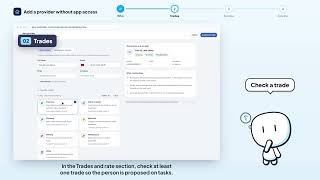
The trades, rate and area are kept: the usual case is someone from the same team.
In the Who section, type the next person's full name, then their phone number.
Click Create provider to add this second person to your address book.
Create a provider · the video's screenOpens in your workspaceOpen in RentDari
Was it clear?
In the same series · Create a provider
All videos →


Still stuck? Contact support: this video's link goes with your message.