Auto-send check-in instructions
0:00 / 0:28
This video's text is coming soon. Meanwhile, here are its steps.
The video's steps
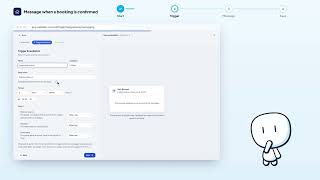
Click New automation, then Library, category Arrival, and choose Instructions check-in.
Name the rule, then set the days before check-in and the send time.
On the next step, read the text and add variables so each guest gets their own details.
Click Save to create the rule in the table.
Automatisations · the video's screenOpens in your workspaceOpen in RentDari
Was it clear?
In the same series · Automatisations
All videos →


Still stuck? Contact support: this video's link goes with your message.