Ask for a review after the stay
0:00 / 0:38
Step by step
In the Automations tab, click New automation to open the three-step assistant.
In the Library, choose Demande d'avis, which goes out two days after check-out, then click Next.
In the Timing section, set when the message goes out: here two days after check-out. Then click Next.
On the Message step, customize the text: add a sentence, and variables are replaced for each guest. Click Save automation to create it: it is active right away. It's saved: the automation appears in the Automations table, with its Enabled switch on.
Automatisations · the video's screenOpens in your workspaceOpen in RentDari
Was it clear?
In the same series · Automatisations
All videos →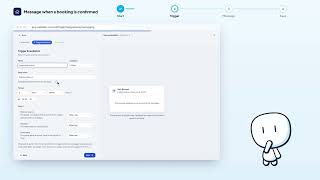


Still stuck? Contact support: this video's link goes with your message.