Send check-out instructions
0:00 / 0:27
This video's text is coming soon. Meanwhile, here are its steps.
The video's steps
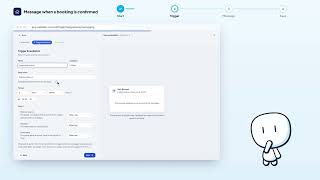
Click New automation, open Library, category Departure, and choose the Rappel check-out template.
Keep Around check-out with before, then set the number of days and the send time.
On the Message step, add your check-out instructions to the text.
Click Save to create the rule in the table.
Automatisations · the video's screenOpens in your workspaceOpen in RentDari
Was it clear?
In the same series · Automatisations
All videos →


Still stuck? Contact support: this video's link goes with your message.