Operations
70 videosFiche tâche
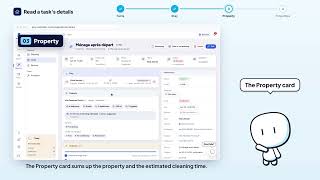
- Read a task's detail page4 steps
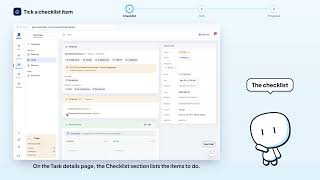
- Tick a checklist item3 steps
- Add a note to a task3 steps
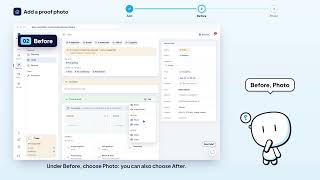
- Add a before/after proof photo3 steps
- Add a video to a task3 steps
- Delete a proof photo3 steps
- Review a provider's proof of work4 steps
- Send the WhatsApp brief to the provider4 steps
- Act on behalf of a provider4 steps
- Complete a task on the provider's behalf3 steps
- Edit a task's team3 steps
- Open the booking or block linked to a task3 steps



Operations overview


Planning
- Navigate the schedule3 steps
- Switch the schedule between providers and properties3 steps
- Filter the schedule3 steps
- Reschedule a task by drag and drop3 steps
- Reassign a task by dragging it to another provider3 steps
- Create a task from a schedule cell4 steps
- Create a missing cleaning from the schedule4 steps
- Open a task's quick view3 steps
- Read the schedule day view3 steps


Tasks
- Assign a task to a provider3 steps
- Create a one-off task6 steps
- Create the same task on several properties5 steps
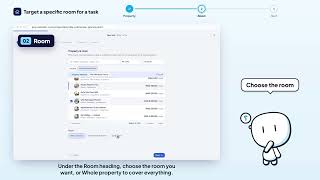
- Target a specific room for a task3 steps
- Create a calendar-based recurring task6 steps
- Schedule an automatic cleaning at every checkout4 steps
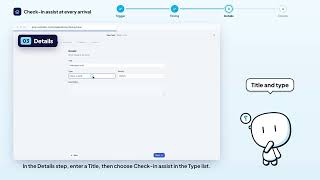
- Schedule a check-in assist at every arrival4 steps
- Schedule a deep clean every N checkouts4 steps
- Create a task triggered by a booking event4 steps
- Create a task at the start or end of a block4 steps
- Set an automatic task's offset3 steps
- Set a task's type, priority, duration and price4 steps
- Pick the provider and co-assignees at creation3 steps
- Add a checklist to a task3 steps
- Add a checklist item2 steps
- Make a checklist item required2 steps
- Insert the standard 33-point checklist3 steps
- Edit a task5 steps
- Delete a task3 steps






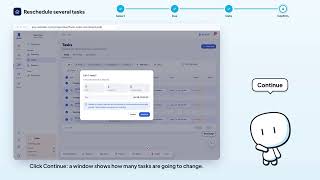
Tasks · bulk actions




Recurring tasks
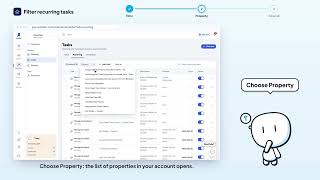
- Filter recurring tasks4 steps
- Pause or resume a recurring task3 steps
- Edit a recurring task4 steps
- Delete a recurring task3 steps
- Activate or deactivate several rules4 steps
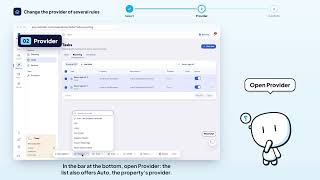
- Change the provider of several rules4 steps
- Change the due time of several rules5 steps
- Change the price of several rules5 steps
- Change the offset of several rules5 steps
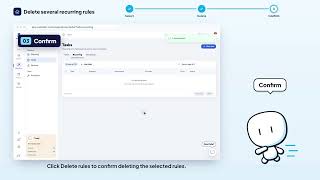
- Delete several recurring rules3 steps