Schedule an automatic cleaning at every checkout
0:00 / 0:34
This video's text is coming soon. Meanwhile, here are its steps.
The video's steps
In the When step, open the Trigger list and choose Guest departure.
In the Timing field, set a delay like 2 hours after departure, then the hour in the Time field.
In the Details step, enter a Title, then choose Cleaning in the Type list.
In the Review step, click Create task to save the automatic rule.
Tasks · the video's screenOpens in your workspaceOpen in RentDari
Was it clear?
In the same series · Tasks
All videos →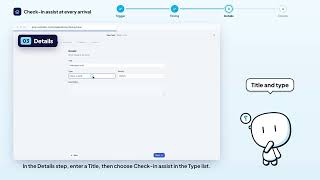


Still stuck? Contact support: this video's link goes with your message.