Read a task's detail page
0:00 / 0:31
Step by step
At the top, the strip gives the due date, duration, team, price, proof and handoff.
The Stay card shows the guest who leaves and the one who arrives next.
The Property card sums up the property and the estimated cleaning time.
On the right, the Properties rail gathers the status, priority, assignees and links. That's it: everything about a task fits on a single page.
Was it clear?
In the same series · Fiche tâche
All videos →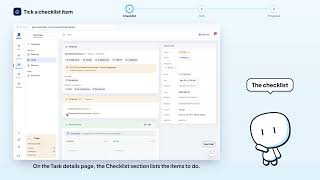


Still stuck? Contact support: this video's link goes with your message.