Act on behalf of a provider
0:00 / 0:34
Step by step
At the top of the task page, click Act for provider, next to the WhatsApp button.
In the list, choose the service provider assigned to the task.
The Acting for chip shows the name: your actions are recorded as the service provider's.
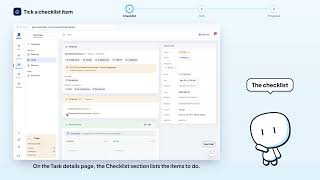
Do the action you need, for example tick an item in the task checklist. Click Stop acting to go back to your own actions. Done: the Act for provider button is back, and you act in your own name again.
Was it clear?
In the same series · Fiche tâche
All videos →

Still stuck? Contact support: this video's link goes with your message.