Create the same task on several properties
0:00 / 0:41
This video's text is coming soon. Meanwhile, here are its steps.
The video's steps
On the Property and room step, tick Villa Palmeraie Piscine, then a second property.
The message under the list says a separate task will be created for each property.
On the When step, enter the due date and time, then click Next.
On the Details step, enter a Title, then choose Other in the Type list.
Go through the next steps, then click Create task on the Review step.
Tasks · the video's screenOpens in your workspaceOpen in RentDari
Was it clear?
In the same series · Tasks
All videos →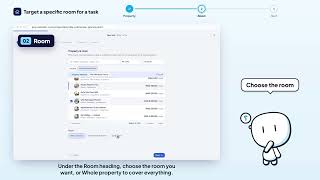


Still stuck? Contact support: this video's link goes with your message.