Customize check-in and check-out times
0:00 / 0:33
This video's text is coming soon. Meanwhile, here are its steps.
The video's steps
In the Dates step, click the arrival day, then the departure day on the calendar.
Under the calendar, click Check-in time: when empty, it follows the property's hours.
Set the hour and the minutes with the wheel: the word edited appears under the field.
Click Reset to go back to the property's hours, without saving anything.
New reservation · the video's screenOpens in your workspaceOpen in RentDari
Was it clear?
In the same series · New reservation
All videos →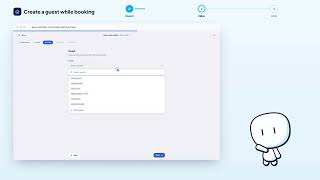


Still stuck? Contact support: this video's link goes with your message.