Add an internal note when booking
0:00 / 0:27
This video's text is coming soon. Meanwhile, here are its steps.
The video's steps
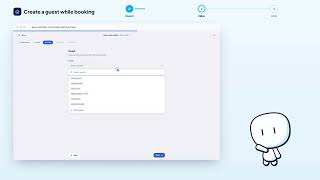
In the Pricing step, scroll down to the Notes field and click inside it to write.
Type your note, for example the expected arrival time: it stays internal.
Click Next to open the Review step of the new booking.
New reservation · the video's screenOpens in your workspaceOpen in RentDari
Was it clear?
In the same series · New reservation
All videos →


Still stuck? Contact support: this video's link goes with your message.