Create an hourly booking
0:00 / 0:35
This video's text is coming soon. Meanwhile, here are its steps.
The video's steps
In the Dates step, click Hourly to switch from nights to a slot on a single day.
On the calendar, click the day of the slot: that day closes on the channels once you accept.
Set the Start field, then click the plus button of the Duration field to make the slot longer.
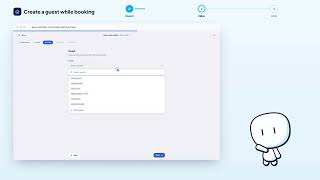
Once the guest is picked, check the Slot amount: with nothing entered, the property's hourly rate applies.
In the Review step, click Create reservation to save the slot you chose.
New reservation · the video's screenOpens in your workspaceOpen in RentDari
Was it clear?
In the same series · New reservation
All videos →


Still stuck? Contact support: this video's link goes with your message.