Book a property by the hour
0:00 / 0:37
This video's text is coming soon. Meanwhile, here are its steps.
The video's steps
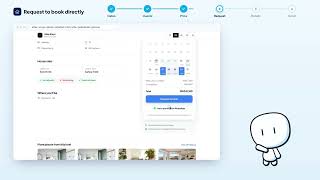
In the booking box, under Stay type, click By the hour.
In the calendar, click the day you want: it appears in the Day field.
Choose the time in the Start field, then the number of hours in the Duration field.
The Until line shows when the slot ends, and the total price appears just below it.
If the slot suits you, click Request to book to move on to your details.
Was it clear?
In the same series · Direct booking
All videos →

Still stuck? Contact support: this video's link goes with your message.