Search for an available stay
0:00 / 0:31
This video's text is coming soon. Meanwhile, here are its steps.
The video's steps
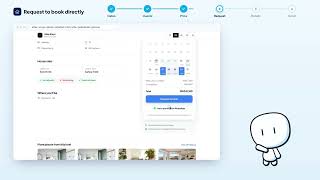
In the Dates field, click Add dates to open the calendar.
Click the arrival day, then the departure day: the dates appear in the field.
In the Travelers field, click the plus button to add a traveler to the search.
Click the Budget per night field, then type the highest price in the Max box.
Click Search to show the properties that are free on these dates.
Was it clear?
In the same series · Direct booking
All videos →

Still stuck? Contact support: this video's link goes with your message.