Review the summary and create the property
0:00 / 0:29
This video's text is coming soon. Meanwhile, here are its steps.
The video's steps
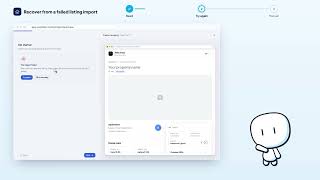
In the Review step, read each block: information, address, space, pricing and rules.
Further down, Guest experience shows the contract and arrival guide applied.
To fix a step, click Back, then Next to come back here.
When everything is right, all that is left is to click Create property.
Creation · Wizard · the video's screenOpens in your workspaceOpen in RentDari
Was it clear?
In the same series · Creation · Wizard
All videos →


Still stuck? Contact support: this video's link goes with your message.