Add a text block to the guide
0:00 / 0:23
This video's text is coming soon. Meanwhile, here are its steps.
The video's steps
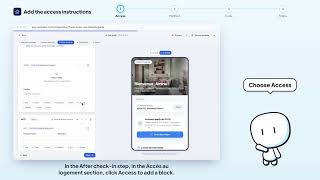
In a section, click Text in the block palette, under the content of the section.
Write your message to the guest in the Write to your guest area.
There is no button: the block saves by itself after a short moment.
Was it clear?
In the same series · Arrival guide
All videos →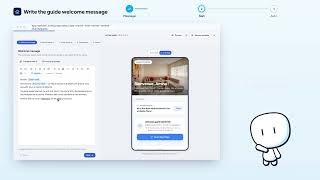


Still stuck? Contact support: this video's link goes with your message.