Download a Rentdari invoice
0:00 / 0:22
This video's text is coming soon. Meanwhile, here are its steps.
The video's steps
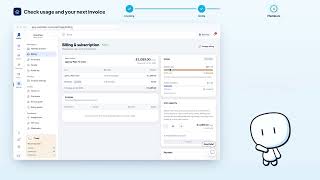
In Invoices, find the row with its reference, issue date and status.
Click Download PDF to save the invoice to your device.
Or click View invoice to open it in a new tab.
Billing & subscription · the video's screenOpens in your workspaceOpen in RentDari
Was it clear?
In the same series · Billing & subscription
All videos →


Still stuck? Contact support: this video's link goes with your message.