Subscribe to a paid plan
0:00 / 0:29
This video's text is coming soon. Meanwhile, here are its steps.
The video's steps
Pick the billing period, Monthly or Yearly, then compare the plans.
Click Choose plan, under the plan you want to subscribe to.
Set the number of units: the summary shows the total.
Click Continue to checkout: payment is then made on Stripe.
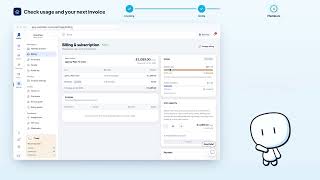
Billing & subscription · the video's screenOpens in your workspaceOpen in RentDari
Was it clear?
In the same series · Billing & subscription
All videos →


Still stuck? Contact support: this video's link goes with your message.