Settings
57 videosIdentity & brand
- Change the workspace time zone4 steps
- Change the workspace logo2 steps
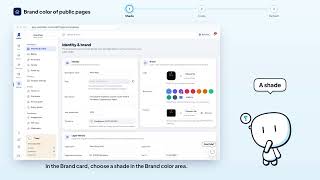
- Choose the brand colour of public pages3 steps
- Add a favicon to your site2 steps
- Fill in the legal identity (ICE, RC, IF)4 steps
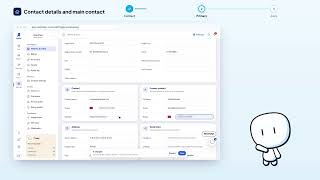
- Set contact details and main contact3 steps
- Set the workspace address3 steps
- Add your social profiles3 steps
- Set the workspace name and description4 steps






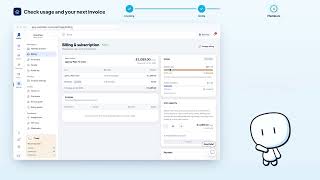
Billing & subscription


Finance settings


Online check-in
- Turn on online check-in2 steps
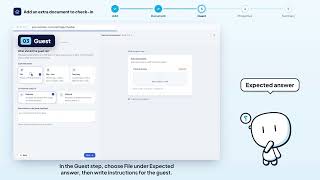
- Request an extra document at check-in5 steps
- Choose the guest information requested4 steps
- Ask the guest for a selfie3 steps
- Turn off online check-in3 steps
- Choose check-in and contract language3 steps
- Edit an extra document request4 steps
- Delete an extra document request3 steps



Contracts
- Explore your contract library4 steps
- Add an automatic block to the contract3 steps
- Add a conditional clause5 steps
- Set the default contract template2 steps
- Duplicate a contract template3 steps
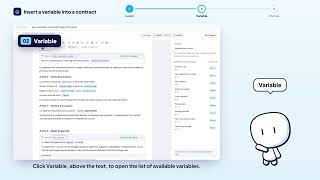
- Insert a variable into a contract3 steps
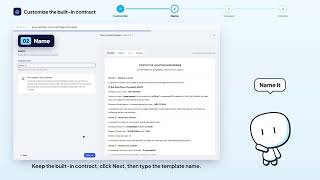
- Customize the built-in Rentdari contract4 steps
- Create a new contract template4 steps
- Reset a contract language3 steps
- Rename a contract template3 steps
- Re-translate a contract language3 steps
- Delete a contract template3 steps
- Test a contract on a property4 steps