Delete a quick reply
0:00 / 0:29
Step by step
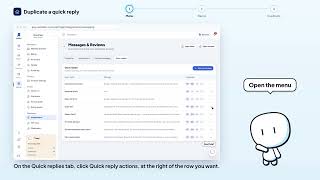
On the Quick replies tab, click Quick reply actions, at the right of the row you want.
In the menu, click Delete to ask for the removal of this quick reply.
The window shows which quick reply will be removed: read its name before you continue. Click Delete to confirm: the quick reply disappears from the list. It's saved: the quick reply is deleted from your list.
Réponses rapides · the video's screenOpens in your workspaceOpen in RentDari
Was it clear?
In the same series · Réponses rapides
All videos →

Still stuck? Contact support: this video's link goes with your message.