Set contact details and main contact
0:00 / 0:23
This video's text is coming soon. Meanwhile, here are its steps.
The video's steps
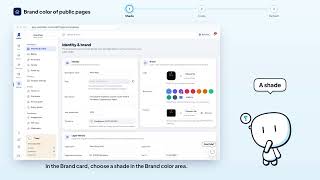
In the Contact card, edit the Contact email, the Phone and the Website.
In the Primary contact card, enter the person's Full name, Email and Phone.
Click Save in the bottom bar to confirm these details.
Identity & brand · the video's screenOpens in your workspaceOpen in RentDari
Was it clear?
In the same series · Identity & brand
All videos →


Still stuck? Contact support: this video's link goes with your message.