Turn off dynamic pricing
0:00 / 0:25
This video's text is coming soon. Meanwhile, here are its steps.
The video's steps
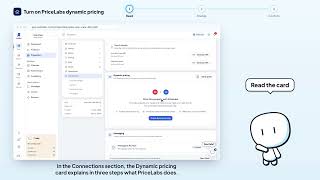
In the Connections section, click Disable on the Dynamic pricing card.
The Disable dynamic pricing? window explains that the listings are marked unavailable on PriceLabs.
Click Disable to confirm: the rates return to your own calendar.
Was it clear?
In the same series · Property page · Connections
All videos →

Still stuck? Contact support: this video's link goes with your message.