Delete a property
0:00 / 0:22
This video's text is coming soon. Meanwhile, here are its steps.
The video's steps
On the property's card, open the Actions menu.
Click Delete. A window asks you to confirm: this action cannot be undone.
Click Delete in the window to confirm the deletion.
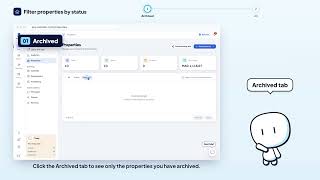
Property list · the video's screenOpens in your workspaceOpen in RentDari
Was it clear?
In the same series · Property list
All videos →


Still stuck? Contact support: this video's link goes with your message.