Edit a settlement
0:00 / 0:24
This video's text is coming soon. Meanwhile, here are its steps.
The video's steps
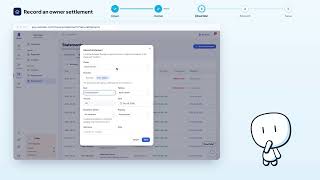
On the settlement row, open the Actions menu, then click Edit to open the form.
In the Amount field, type the corrected sum; the Owner, Direction and Kind do not change.
Click Save to confirm: the new amount replaces the old one in the list.
Settlements · the video's screenOpens in your workspaceOpen in RentDari
Was it clear?
In the same series · Settlements
All videos →


Still stuck? Contact support: this video's link goes with your message.