Join a workspace with an invitation link
0:00 / 0:31
This video's text is coming soon. Meanwhile, here are its steps.
The video's steps
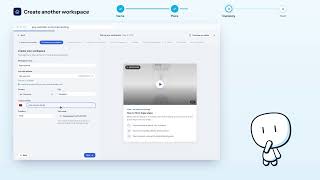
On the Choose a workspace screen, tap I received an invitation, then the Invitation link field.
Paste the link you got by e-mail or WhatsApp, then tap Show the invitation.
The invitation shows the workspace, who invites you, your role and what it opens for you.
Tap Accept the invitation to join this workspace right away.
You're back on Choose a workspace: the new workspace shows under Switch to.
Was it clear?
In the same series · Espaces de travail
All videos →


Still stuck? Contact support: this video's link goes with your message.