Create an account from an invitation
0:00 / 0:31
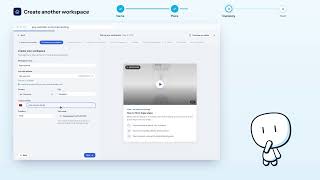
This video's text is coming soon. Meanwhile, here are its steps.
The video's steps
On the invitation page, click Create my account.
Check your Full name and your Email: they are already filled in.
If you like, enter your number in Phone.
Choose a Password, then type it again in Confirm password.
Click Create account and join to enter the workspace.
Was it clear?
In the same series · Espaces de travail
All videos →


Still stuck? Contact support: this video's link goes with your message.