View a property's page
0:00 / 0:31
This video's text is coming soon. Meanwhile, here are its steps.
The video's steps
At the top, read the type, the Capacity and the sleeping setup; Today shows current or upcoming stays.
Under Pricing, read the Nightly rate, the Cleaning fee and the Security deposit.
Further down, Next 7 nights shows each night's rate and whether it is free.
Below, House rules then Amenities: times, pets and services.
Was it clear?
In the same series · Property page
All videos →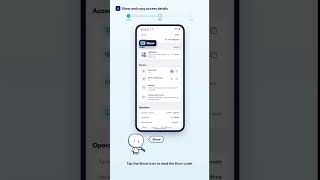
Still stuck? Contact support: this video's link goes with your message.