Change the interface language
0:00 / 0:26
Step by step
Click the profile card, then click My account in the menu that opens.
In the My account window, open the Preferences tab to see the Language card.
On the Language card, open the Interface language list to see the available languages. Choose the language you want in the list: the page reloads right away in that language. It's saved: the interface now shows in the new language.
Was it clear?
In the same series · Mon compte
All videos →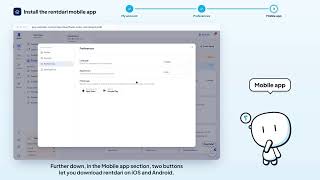


Still stuck? Contact support: this video's link goes with your message.