Filter the dashboard by city, property or owner
0:00 / 0:27
This video's text is coming soon. Meanwhile, here are its steps.
The video's steps
At the top right, click Filters to show the criteria offered on the dashboard.
Click City, then choose Casablanca: the figures now cover only that city.
Click Properties, then tick Anfa Sea View 2BR to keep only that property.
Click Clear to go back to all of your properties on the dashboard.
Filters and refresh · the video's screenOpens in your workspaceOpen in RentDari
Was it clear?
In the same series · Filters and refresh
All videos →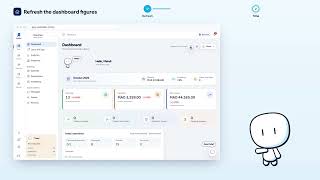
Still stuck? Contact support: this video's link goes with your message.