Send the check-in back for correction
0:00 / 0:32
This video's text is coming soon. Meanwhile, here are its steps.
The video's steps
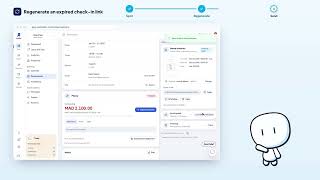
In the Rental contract card, click Send back for correction.
Tick the Fields to correct, for example the document number: they are highlighted for the guest.
In What should the guest correct?, write the correction you expect: the guest sees it on their check-in page.
Click Reopen the check-in: the guest gets the same link back. The contract will need to be signed again.
Was it clear?
In the same series · Online check-in
All videos →

Still stuck? Contact support: this video's link goes with your message.