Customize your dashboard
0:00 / 0:27
This video's text is coming soon. Meanwhile, here are its steps.
The video's steps
At the top of the page, click Customize layout to edit your dashboard.
Click Dashboard components to open the list of blocks.
Tick or untick a block, for example Upcoming stays, then click Done.
Click Save layout to keep this choice on your dashboard.
Dashboard · the video's screenOpens in your workspaceOpen in RentDari
Was it clear?
In the same series · Dashboard
All videos →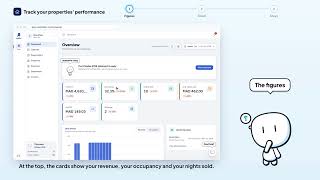
Still stuck? Contact support: this video's link goes with your message.