Add an expense
0:00 / 0:34
This video's text is coming soon. Meanwhile, here are its steps.
The video's steps
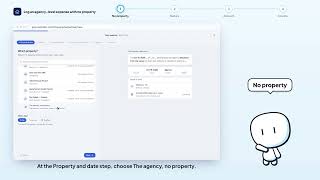
On the Property & date step, choose the property, then the day of the expense.
On the Nature step, choose the category, then the sub-category that fits.
On the Amount & payee step, type the amount, then the person paid.
On the Who pays, who bears it step, say who paid and who bears the expense.
On the Payment step, say whether the expense is settled, then how.
On the Review step, check everything, then click Create the expense.
Dépenses · the video's screenOpens in your workspaceOpen in RentDari
Was it clear?
In the same series · Dépenses
All videos →


Still stuck? Contact support: this video's link goes with your message.