Turn on dynamic pricing for a property
0:00 / 0:31
This video's text is coming soon. Meanwhile, here are its steps.
The video's steps
In PriceLabs account, choose the account that will price this property.
Click Enable dynamic pricing in the Dynamic pricing card.
Read the Enable PriceLabs pricing message, then click Enable.
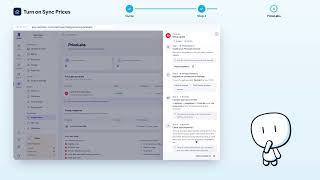
Then follow Prices received: prices arrive once Sync Prices is on in PriceLabs.
Was it clear?
In the same series · PriceLabs
All videos →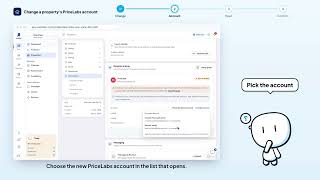


Still stuck? Contact support: this video's link goes with your message.