Remove a member or their access
0:00 / 0:26
This video's text is coming soon. Meanwhile, here are its steps.
The video's steps
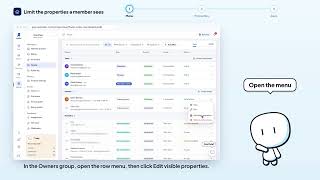
On the member's row, open the Member actions menu.
In the menu, click Remove from workspace to open the confirmation window.
The window says access is revoked immediately. Click Remove to confirm.
Membres · the video's screenOpens in your workspaceOpen in RentDari
Was it clear?
In the same series · Membres
All videos →


Still stuck? Contact support: this video's link goes with your message.